Best TBC Anniversary Addons: Full Guide for 2026
Quick Summary
Learn which addons are must-haves for TBC Anniversary
Speed up leveling, UI improvement, rare hunting, and raid prep
Step-by-step instructions on installing or transferring addons
Complete breakdown of each addon’s key features
What Are TBC Anniversary Addons?
TBC Anniversary brings back the classic Burning Crusade vibe, but the UI? Still clunky. That’s where addons come in. These are community-created tools that improve just about everything: questing, inventory, tracking, map navigation, and even boss encounters.
Without them, you’re basically playing blindfolded.
How to Install Addons
Download the addon (from sites like CurseForge or WoWInterface)
Unzip into:
Windows:
C:\Program Files (x86)\World of Warcraft\_anniversary_\Interface\AddOnsmacOS:
/Applications/World of Warcraft/_anniversary_/Interface/AddOns
Launch WoW and click the “AddOns” button at the character screen
Enable and customize in-game (
/addonnameusually opens the config)Restart the game to apply changes
Pro tip: You can copy addons from the Classic Era client if you played that — just move everything from _classic_era_ to _anniversary_.
Best Addons for TBC Anniversary
MoveAnything
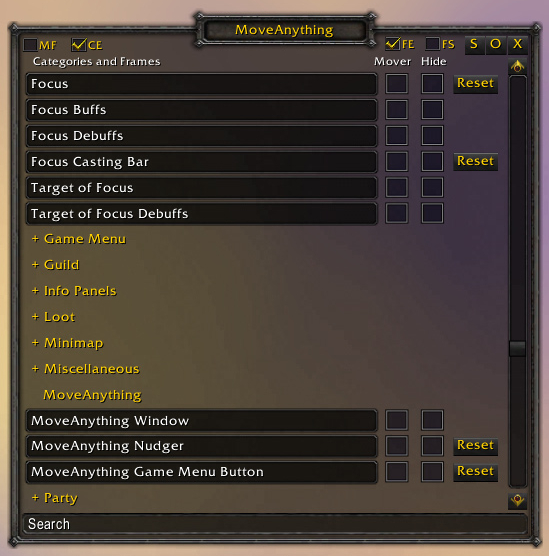
Why it rocks: Lets you move, resize, or hide any UI element — map, character panel, loot window, and more. No more clutter or awkward positioning.
RestedXP
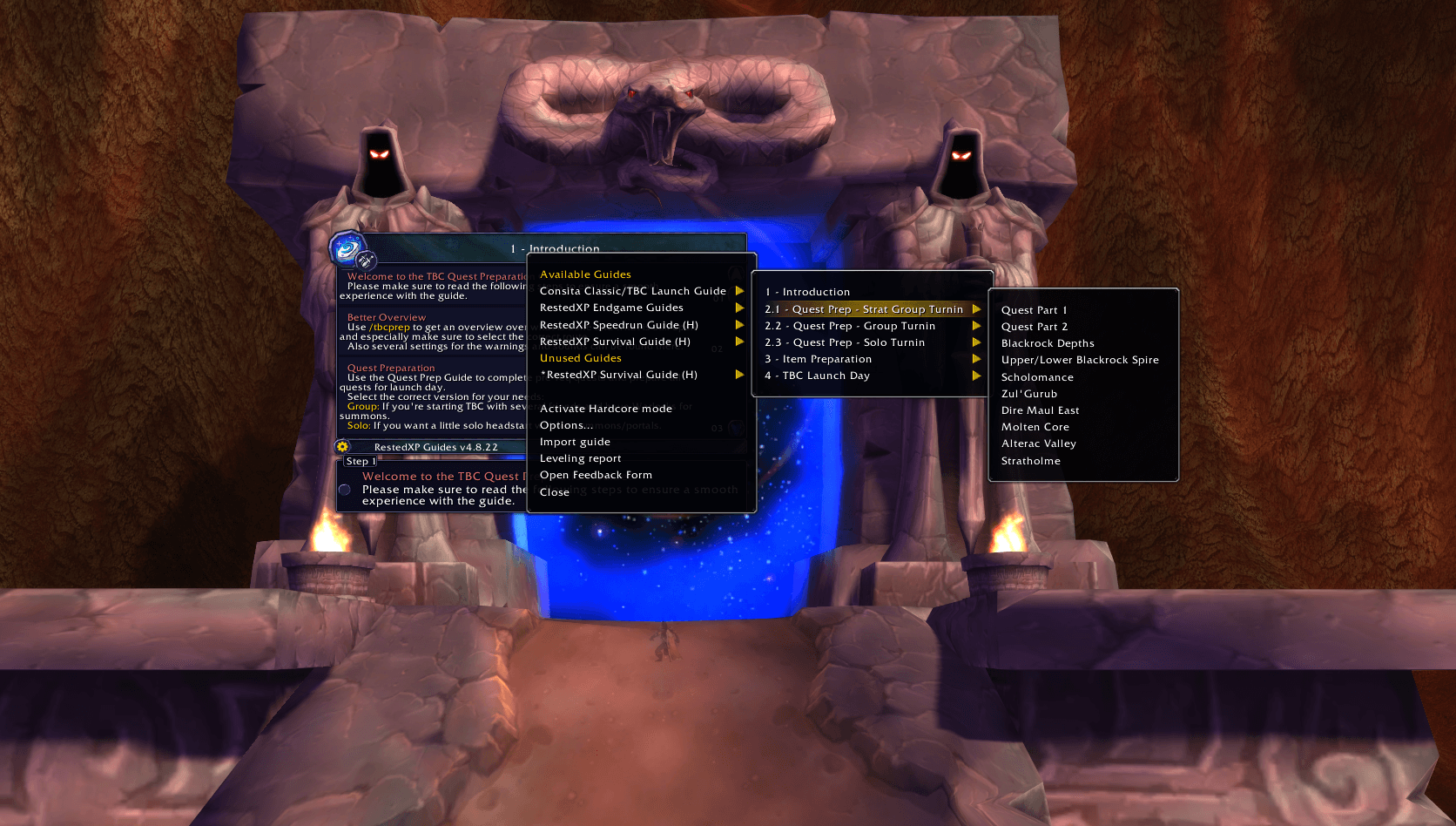
Best for: Fast leveling
Optimized 1–70 questing paths
Auto-accept/turn-in quests
Directional arrows
Timer to track your pace
Perfect for skipping the grind and hitting max level before Outland.
RareScanner
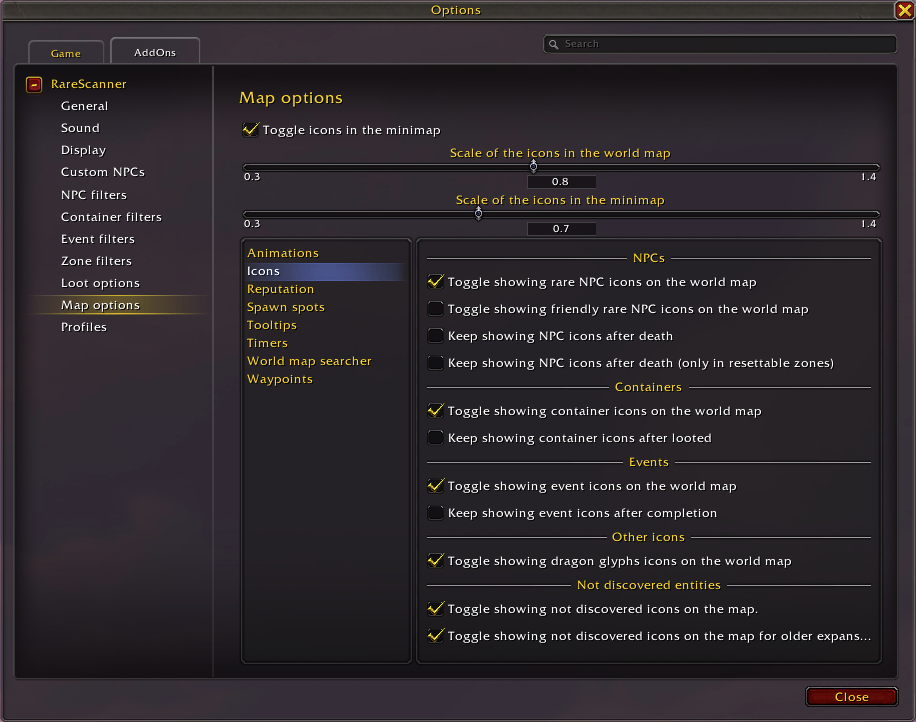
Shows rare mobs on the map and previews their loot. Great for farming pre-BiS gear and gold. You’ll never miss a rare again.
Attune
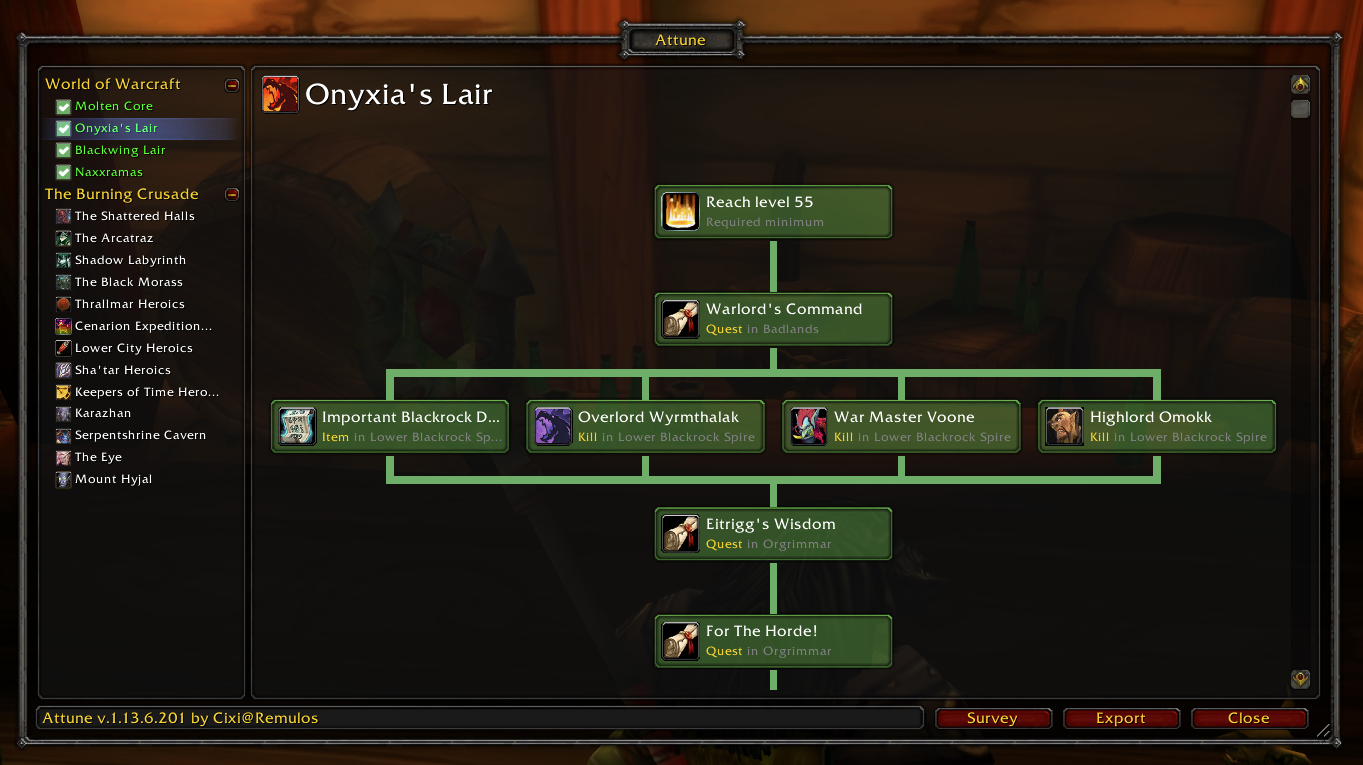
Tracks every attunement quest chain across all TBC raids and dungeons. Shows exactly what you need to do, in what order. Bonus: shared progress across your account.
NugRunning
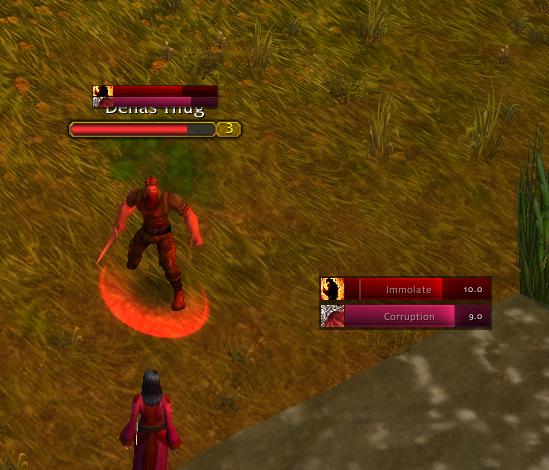
Custom cooldown bars for any ability, buff, or debuff. Tracks duration, cooldowns, procs — you name it. Highly customizable and light on memory.
WeakAuras
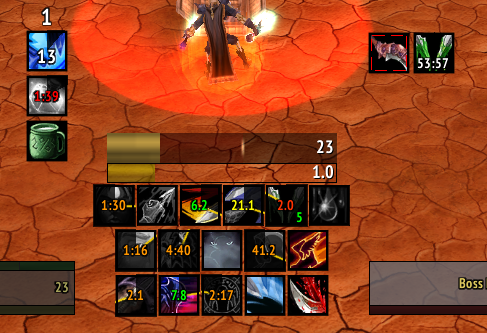
The king of all addons. Tracks literally anything: buffs, CDs, alerts, boss mechanics. Fully customizable with visual/sound cues.
If you want high-end PvE/PvP performance — this addon is essential.
Improved Loot Frame
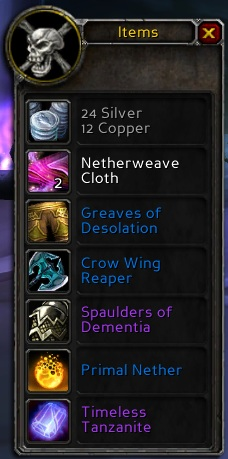
Displays all loot in one window. No more clicking through pages. Makes raid and dungeon loot management painless.
Krowi’s Extended Vendor UI
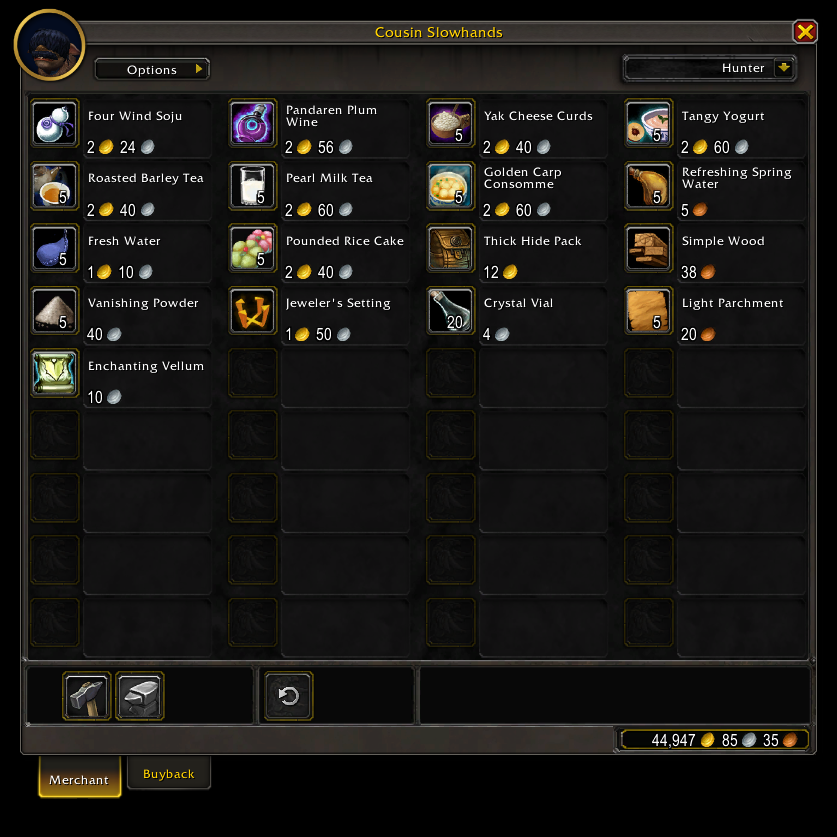
Expanded vendor window:
See dozens of items at once
Filter owned items
Perfect for reputation or token vendors
Leatrix Plus
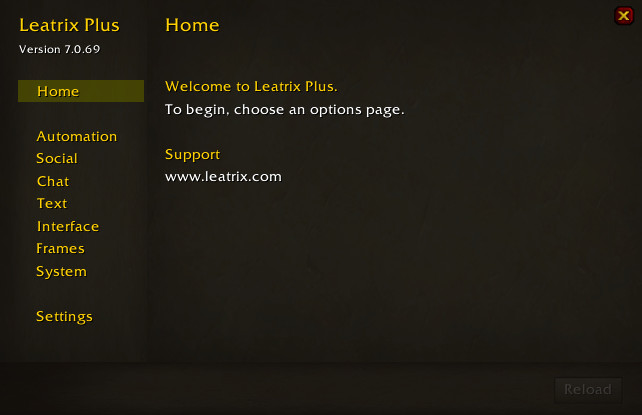
All-in-one quality-of-life addon:
Auto repairs, auto quest accept/turn-in
Hides junk UI clutter
Faster camera rotation, better chat, and more
Everything is optional and customizable.
Leatrix Maps
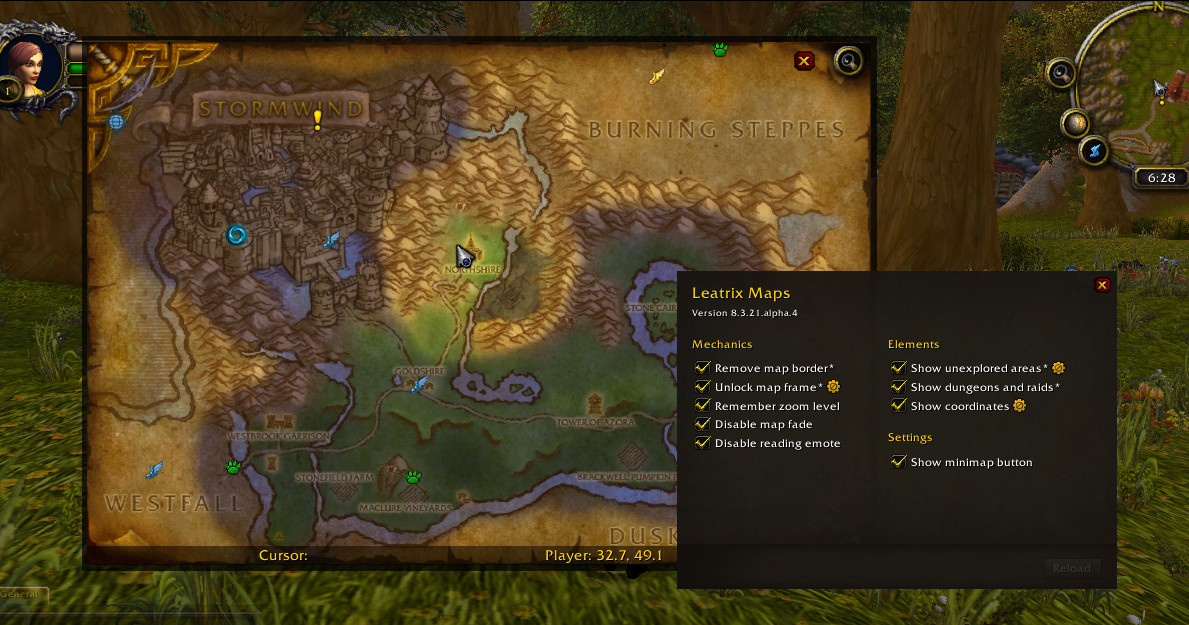
Upgrades the default world map:
Show coordinates
Reveal unexplored areas
Zoom, pan, and resize freely
See dungeons/raids clearly
Bonus Addons Worth Trying
Details! Damage Meter – For raid/dungeon parsing
BigWigs / Deadly Boss Mods – Essential for raid mechanics
Plater Nameplates – Customizable nameplate info
Questie – Best for Classic-style quest tracking
Final Tips
Use RestedXP for speed leveling
Get Attune + RareScanner before dungeon grind starts
Set up MoveAnything and Leatrix Plus early to fix UI issues
Grab WeakAuras if you plan to raid or push PvP
Once you play with these, vanilla WoW UI will feel prehistoric. Seriously.