Best Midnight Addons to Get in 2026 (Must-Have List)
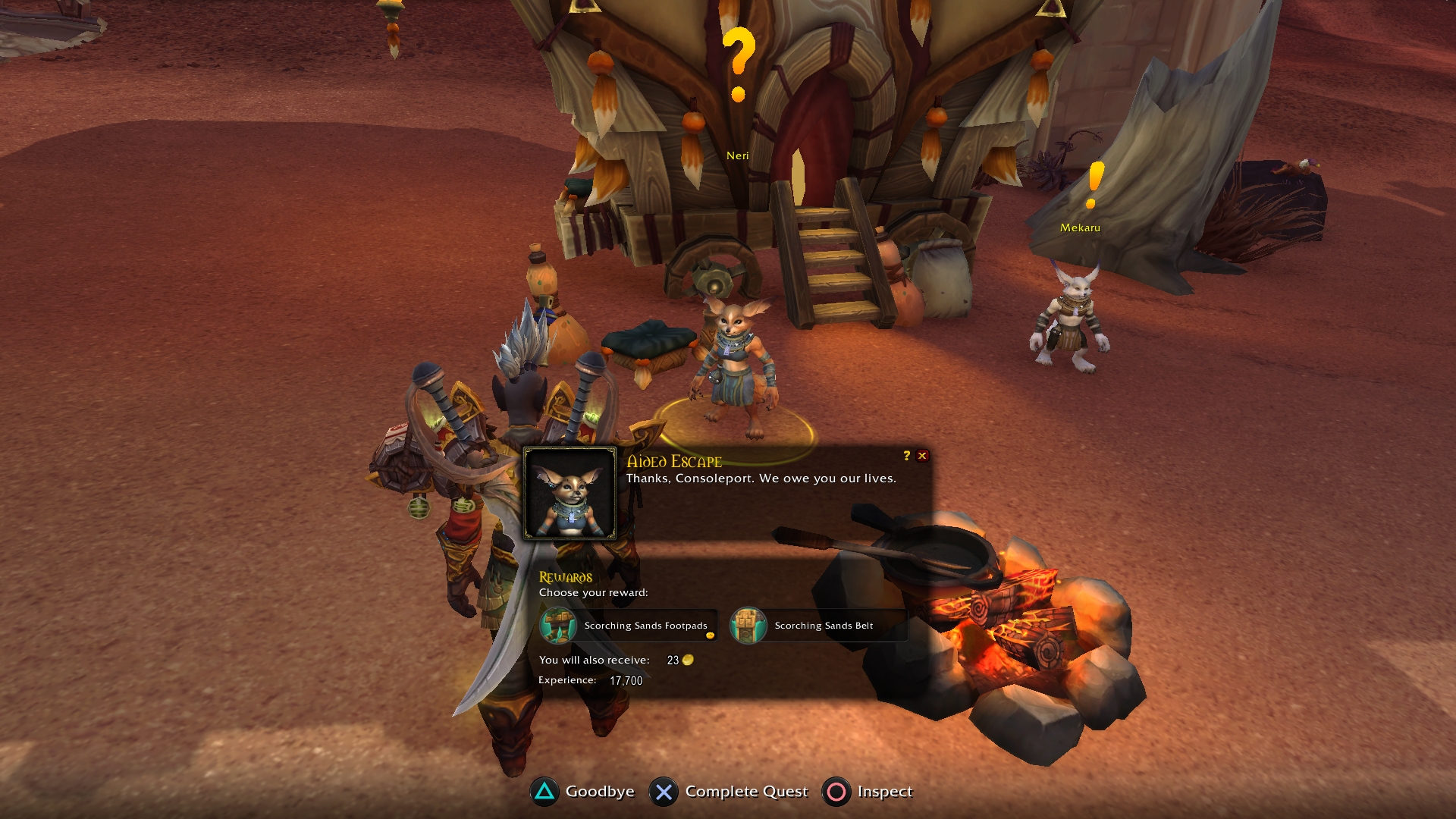
Even with the UI overhaul in World of Warcraft: Midnight, addons are still mandatory if you care about efficiency, clarity, and clean screen space. Midnight improved the HUD editor — but it didn’t solve everything.
This guide covers the 5 best addons that fully work in Midnight (2026) and genuinely improve the experience without turning your interface into a science project.
No bloat. No 40-addon stacks. Just the essentials.
Quick Summary – Top Midnight Addons
Enhance QoL – Move, resize, hide, and automate almost everything
Plumber – Polishes UI gaps Blizzard forgot
Better Bags – Unified inventory with clean filtering
Auctionator – Fixes the Auction House completely
Cooldown Manager Centered – Fixes cooldown alignment properly
1️⃣ Enhance QoL – The “Fix Everything” Addon
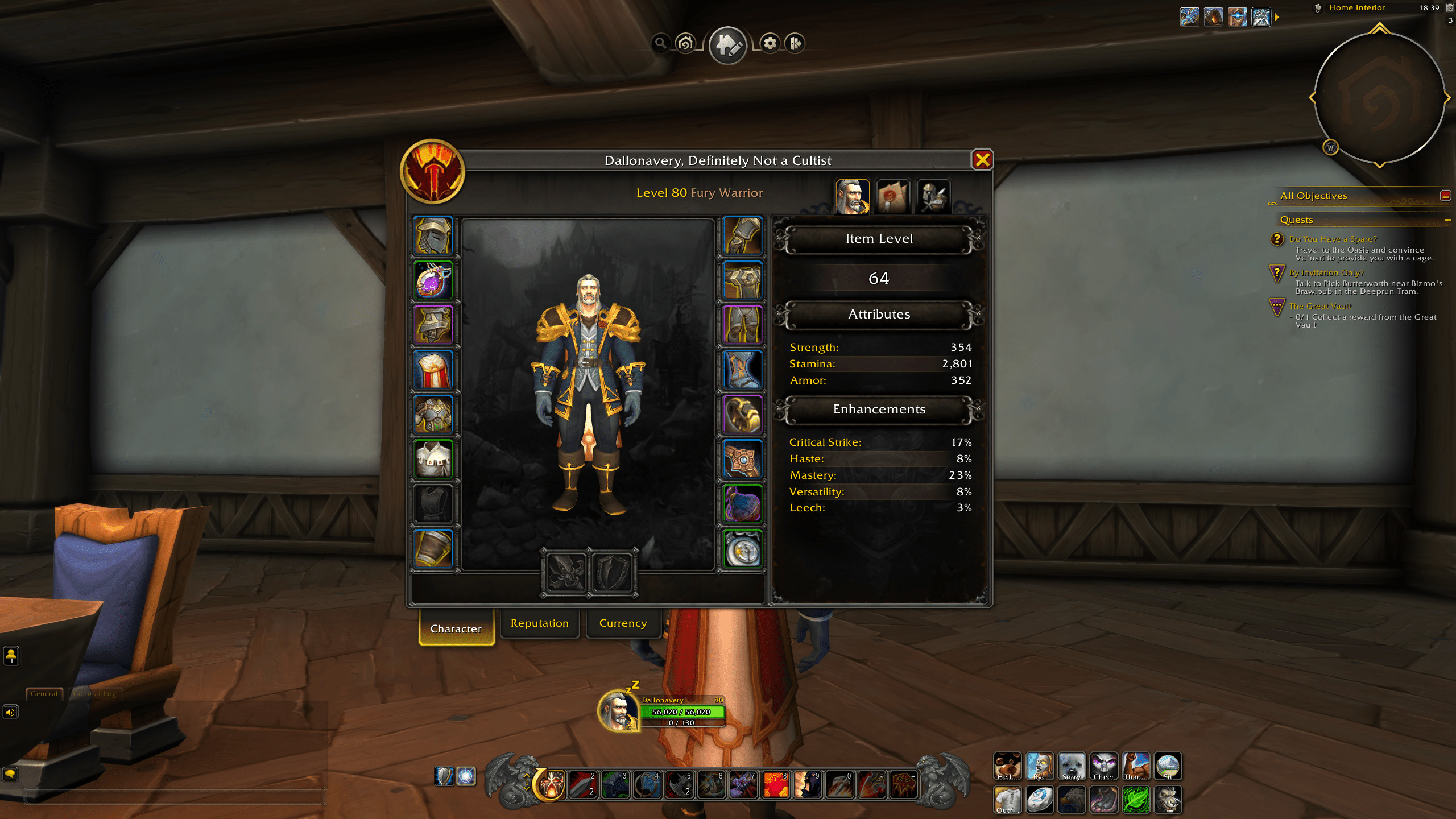
If you install only one addon in Midnight, make it this one.
Enhance QoL replaces the need for multiple small addons by handling:
Window moving & scaling
Conditional action bar visibility
Frame fading
Micro menu cleanup
Custom cooldown panels
Teleport compendium shortcuts
Built-in automation tools
Why It Matters
Midnight still locks many windows in fixed positions. With this addon you can:
Drag any frame
Resize UI windows independently
Save layout permanently
Hide bars when not in combat
Create minimalist layouts
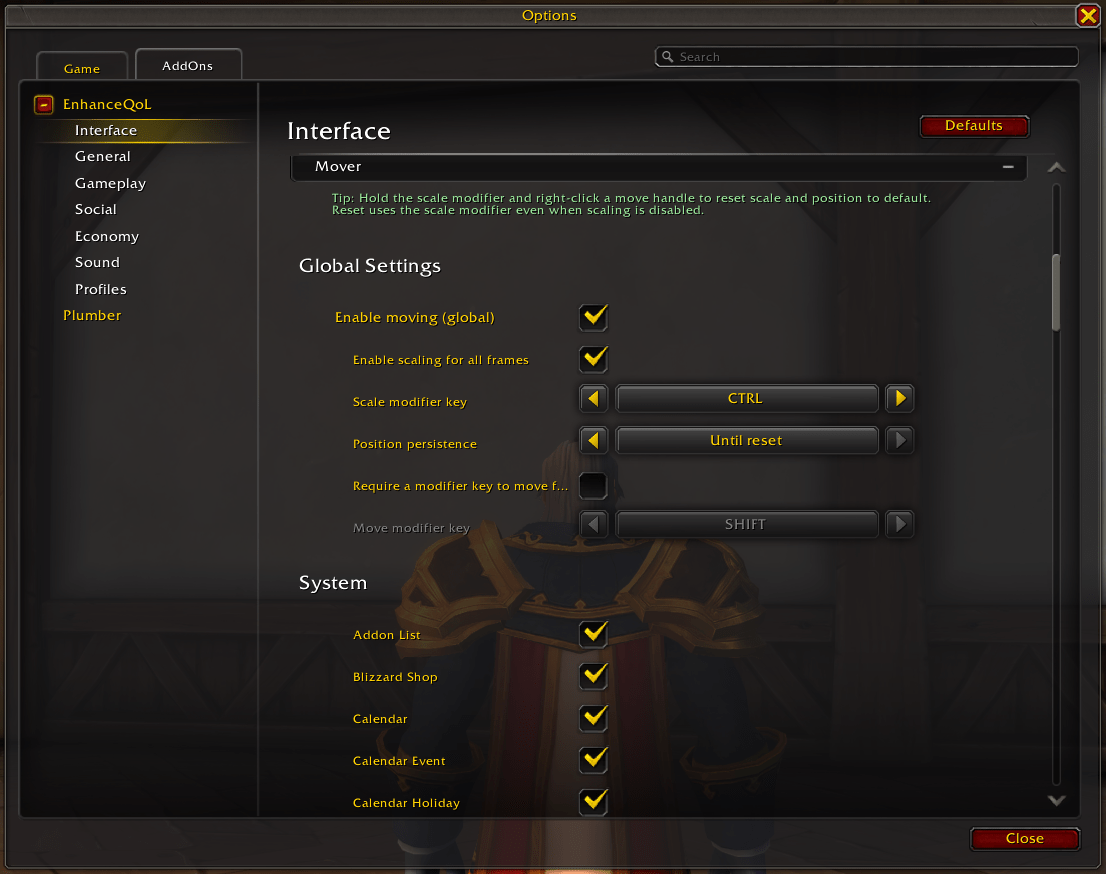
Key Features Worth Enabling
| Feature | Why It’s Useful |
|---|---|
| Global window mover | Finally control your layout |
| Frame scaling | Fix UI for large monitors |
| Action bar fading | Clean combat vs non-combat UI |
| Teleport panel | Faster travel access |
| Cooldown tracker | Track trinkets & potions easily |
It replaces 3–6 smaller addons easily.
2️⃣ Plumber – Blizzard-Style UI Improvements
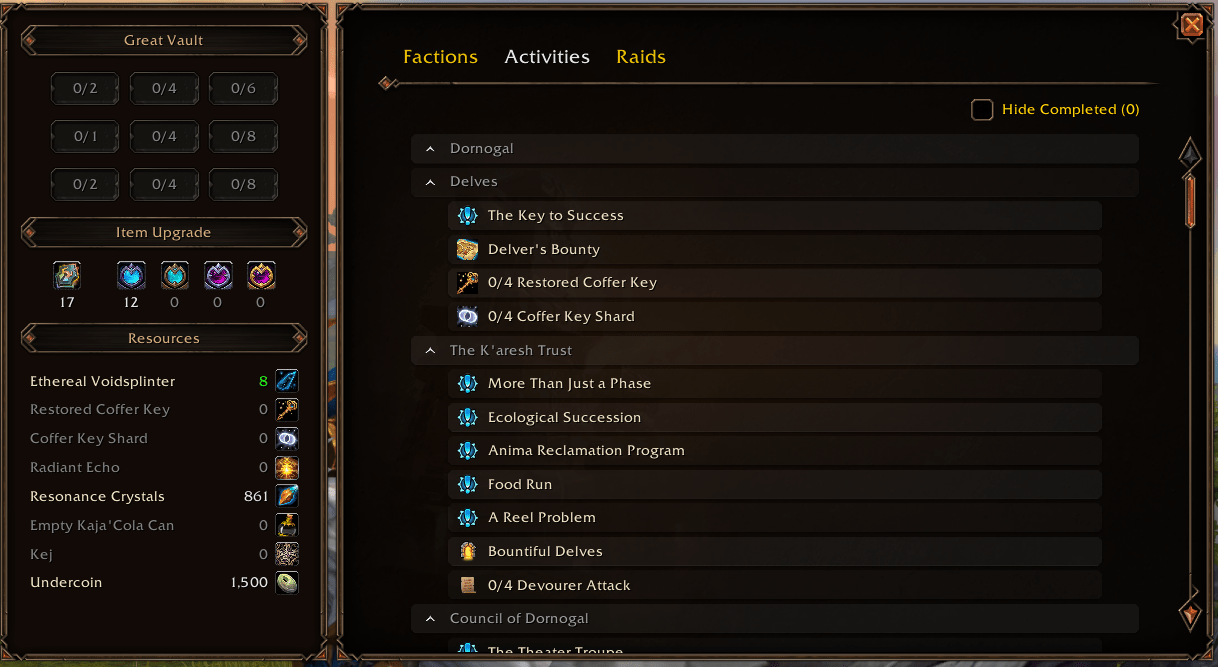
Plumber feels like Blizzard forgot to ship these features.
It improves small but annoying UI gaps:
Transmog quick access button
Improved loot window (Take All keybind)
Currency tracking directly in bags
Expansion overview panel
Reputation and raid tracking hub
Standout Feature: Expansion Summary
This panel gives:
Raid overview
Boss loot tracking
Reputation status
Expansion currencies
Campaign progress
For returning players in Midnight, this is incredibly useful.
3️⃣ Better Bags – Unified Inventory (Finally)
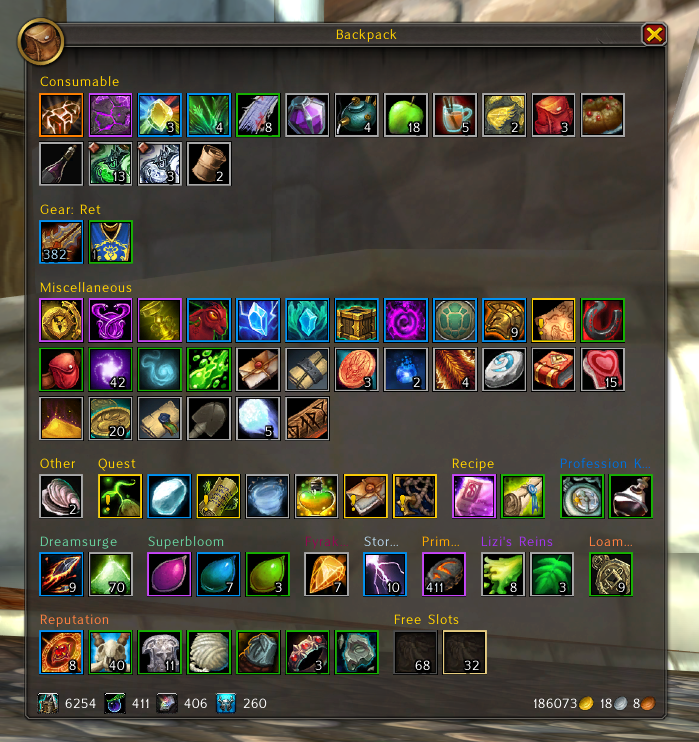
WoW still uses a segmented bag system.
Better Bags turns it into:
One unified inventory window
Automatic item categorization
Clean filters
Smart search
Easy sorting
Why It’s Essential
Faster item lookup
Cleaner layout
Reduced visual clutter
Works smoothly with Midnight UI
If you craft, farm, or manage alts — this addon saves real time.
4️⃣ Auctionator – Mandatory for Gold Management
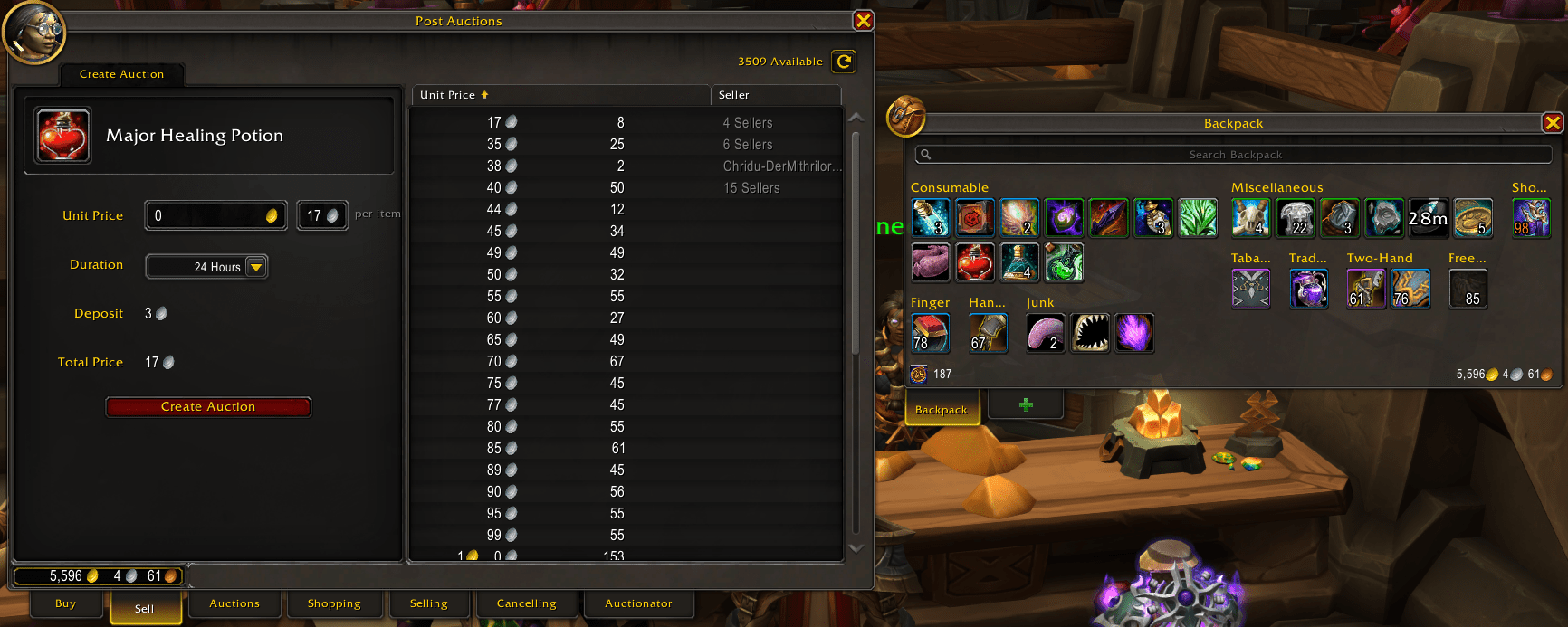
If you use the Auction House even casually — install this.
Auctionator provides:
Clean buying & selling interface
Undercut scanning
Tooltip market prices
Full price history
Crafting cost calculation
Quick cancel & repost tools
Why It’s Better Than Default AH
| Default AH | Auctionator |
|---|---|
| Clunky posting | One-click posting |
| No price context | Tooltip pricing |
| Manual undercutting | Automatic detection |
| Weak filtering | Shopping lists |
It feels native — not bloated.
5️⃣ Cooldown Manager Centered – Small Fix, Big Impact
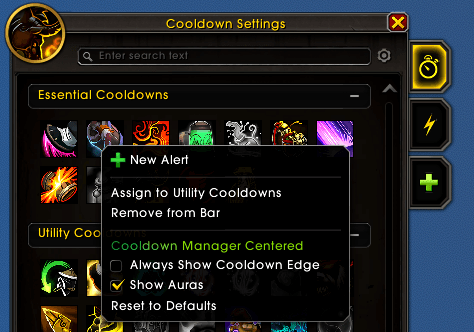 Midnight’s built-in Cooldown Manager is good — but poorly aligned.
This addon:
Centers cooldown rows
Fixes horizontal alignment
Keeps Blizzard’s default style
Makes the layout look intentional
It doesn’t reinvent the system — just fixes presentation.
Sometimes that’s all you need.
Addon Philosophy for Midnight (2026)
You don’t need 30 addons anymore.
The modern approach:
1 major QoL framework
1 UI polish addon
1 inventory addon
1 economy addon
Optional micro-fixes
That’s it.
Too many addons:
Increase load time
Cause conflicts
Break after patches
Who Should Use These?
Returning players
UI minimalists
Gold-focused players
Mythic+ grinders
Housing decorators
PvP players
These addons improve comfort without changing gameplay fundamentals.
Final Thoughts
Midnight’s UI is better than previous expansions — but still incomplete.
These 5 addons:
Clean your interface
Improve efficiency
Save time
Reduce frustration
Keep your setup lightweight